pixelize
Turn any image into pixel art.
A fast, minimal CLI with configurable block sampling, perceptually accurate color reduction, and a catalog of retro console presets.
Install pixelize
Paste that in a macOS Terminal or Linux shell. Prefer Go? Run go install github.com/chris-roerig/pixelize/cmd/pixelize@latest.
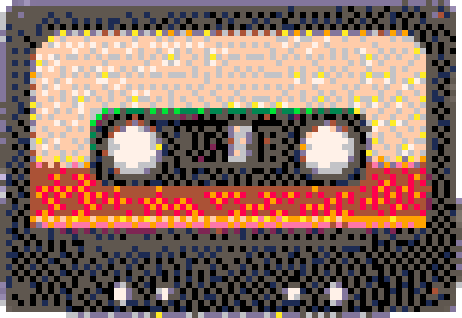
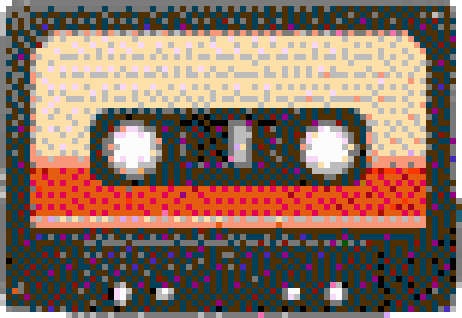
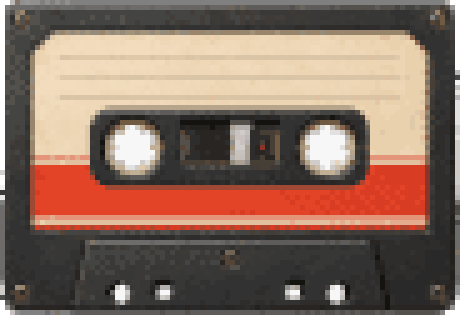
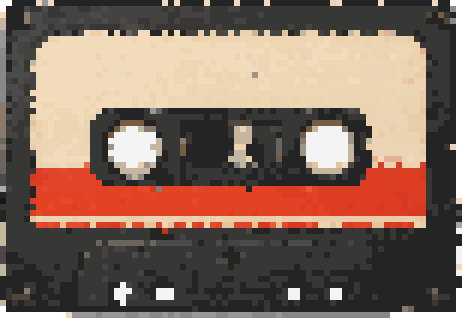
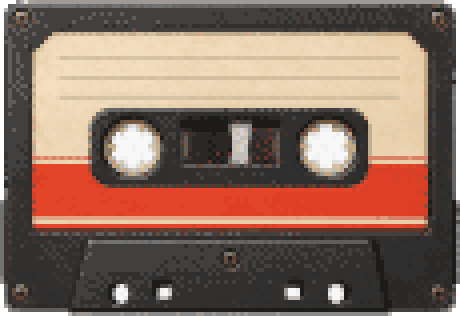
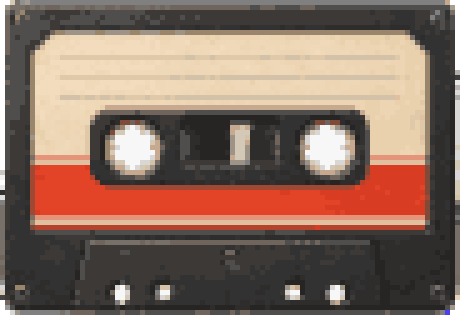
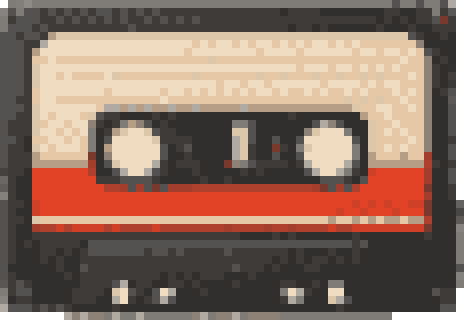
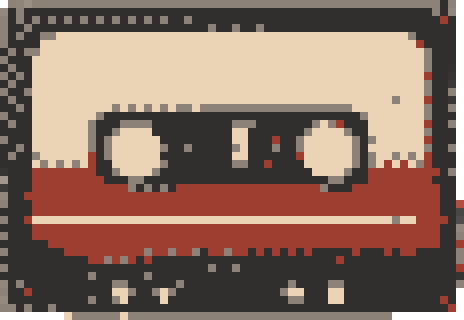
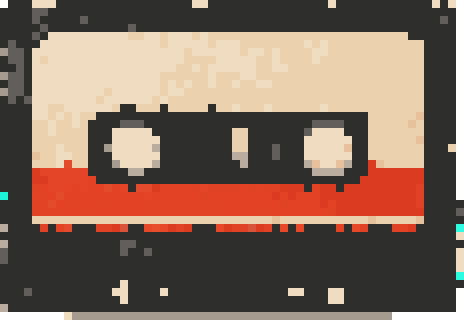
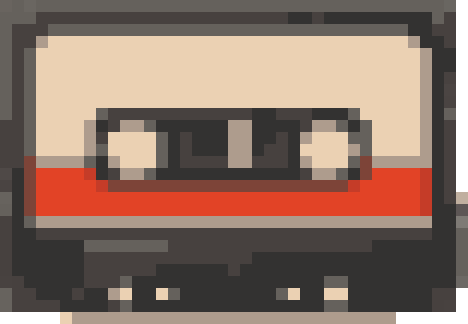
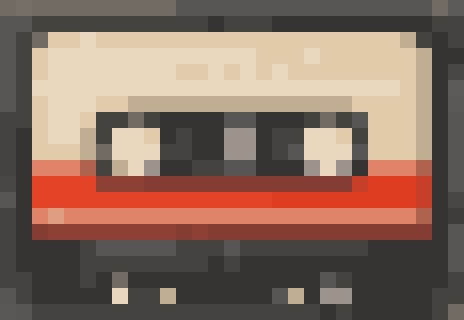
Before / After
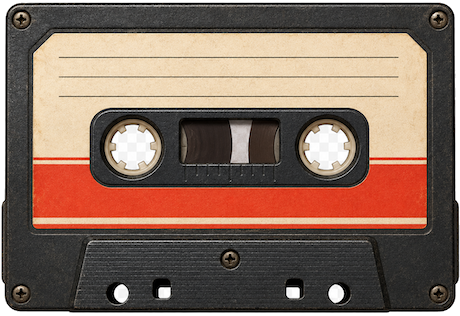
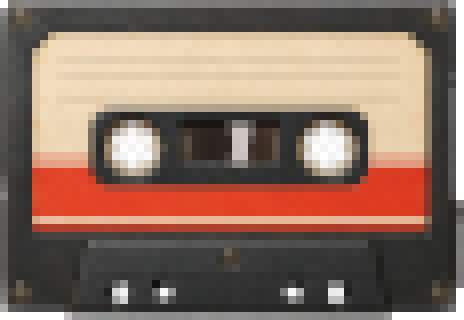
Block sampling
Average, median, or dominant color per block. Tune the look with --block and --mode.
Palettes, your way
Built-in gameboy, nes, pico8 — or define your own as a JSON list of hex colors. Linear-light, perceptual color keeps output faithful.
Console presets
16 built-in looks — gameboy, nes, ps1, and more. Drop in your own as JSON, no rebuild.
Batch & pipes
Process whole folders, or stream through stdin/stdout: cat in.png | pixelize - --preset gba.
How it works
$ pixelize photo.png # -> photo-pixelized.png
Wrote photo-pixelized.png

$ pixelize photo.png --preset gba
Wrote photo-gba.png

$ pixelize ./photos --preset nes
[1/3] a.png
[2/3] b.png
[3/3] c.png
Processed 3 image(s) into ./photos/pixelized

$ cat logo.png | pixelize - --preset pico8 > logo-8bit.png

$ pixelize --list-presets
  c64      Commodore 64 (block 8, 16 colors, dithered)
  gameboy  Game Boy (block 6, 4 colors, gameboy palette, dithered)
  nes      NES (block 6, 24 colors, nes palette, dithered)
  ...
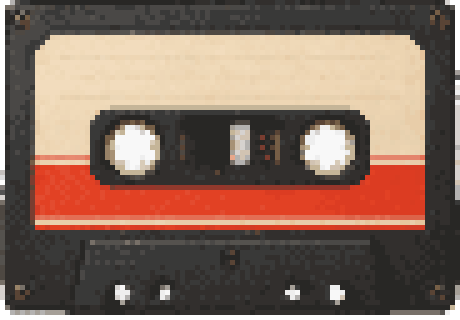
Every preset, one command
Run pixelize photo.png --preset all to render all of them.
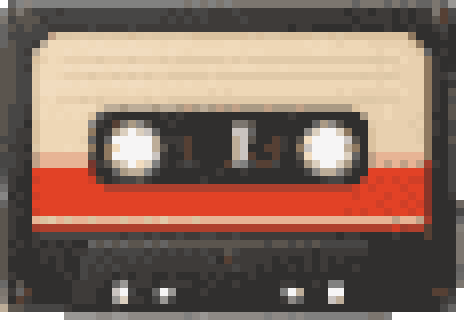
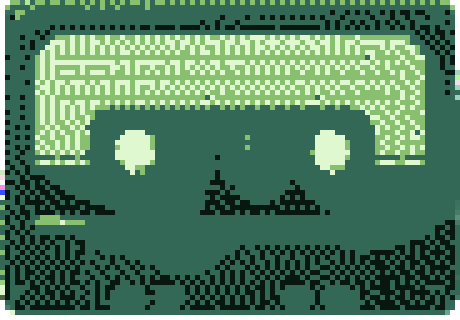
Presets and palettes are just JSON — add your own in ~/.config/pixelize/ or ship them with a project. See --list-presets and --list-palettes.